 EHR Risk
 Train path
POST /v1/jobs/train → background ThreadPool → training.train → poll GET /v1/jobs/{id}
How the application is structured, how data moves through the system, and how you iterate (fine-tune) a research model. Drawn from the real code paths in this repository.
Three entry surfaces (browser, CLI, OpenAPI) share one FastAPI + ML core. Artifacts live on the host filesystem.
Every research run follows the same pipeline. Numbers match the stages below.
Demo CSV, upload, form JSON, SQL, or map-import → data/uploads/
GET /v1/datasets/health blockers / warnings
YAML or Config: horizon, windows, split, model
Index truncate + w7d_/w30d_/w180d_
Fit ± calibrate → metrics + model.pkl
Leakage audit, SHAP, fairness, Analytics
POST /v1/predict + Predict UI
GET /v1/datasets/healthIngest → health → task → features → train → trust artifacts → serve. Labels use post-index events only.
Hard rule: features use only events at or before index_time. Labels use only events after index, inside the horizon.
Feature columns look like:  w7d_glucose, w30d_visit_count, w180d_icd_unique_count
Prediction form uses THESE names — not raw EHR column names.
Example: user clicks Predict in the Angular workbench (Compose: nginx proxies /v1/* → api:8000; hosted demo calls ehr-api.larucare.com via baked API_ENDPOINT).
POST /v1/predict with { features, include_explanation }
:8080API_ENDPOINT (CORS required)api/main.py · researcher routes
X-API-Key when API_KEY is setmodel.pklinference.predict · explainability
feature_columnspredict_proba → risk_probability + risk_levelResearch score only — not clinical advice.
Same stack serves train / audit / shap as background jobs (POST /v1/jobs/* → poll GET /v1/jobs/{id}).
POST /v1/jobs/train → background ThreadPool → training.train → poll GET /v1/jobs/{id}
GET /v1/datasets/profile?path=&age_band=&label= → KPIs, charts, cohort table
Longitudinal demo / BYO upload / processed extract (local).
Longitudinal multi-window (w7d_ / w30d_ / w180d_) or tabular schema.
split_by_patient — group-aware (preferred for EHR)temporal_split — time-aware hold-outlogreg · random_forest · xgboost · lightgbm
CLI --calibrate / Train UI checkbox — improves Brier / ECE.
AUROC · PR-AUC · Brier · ECE (report honestly with split type).
model.pkl when promoted / single train promotereports/evaluation_report.jsonreports/feature_importance.jsonreports/calibration_holdout.pngreports/runs/<run_id>/Training never uses post-index features; promote copies the chosen artifact to the active path for Predict.
This framework does not fine-tune large language models. “Fine-tuning” here means iterating a tabular risk model: better data, windows, splits, model family, and calibration — then promoting the best artifact.
Full step-by-step guide: Fine-tuning playbook →
docker compose up --buildmodel.pkl if missingehr-risk-apidata/ · reports//docs/ Datasets Train Results Analytics Predict Config Docs/v1/* → api:8000/health · /api-docs → SwaggerHosted split deploy: UI at ehr-risk-framework.larucare.com, API at ehr-api.larucare.com (bake API_ENDPOINT + set CORS_ORIGINS).
GET /v1/model/schema matches your features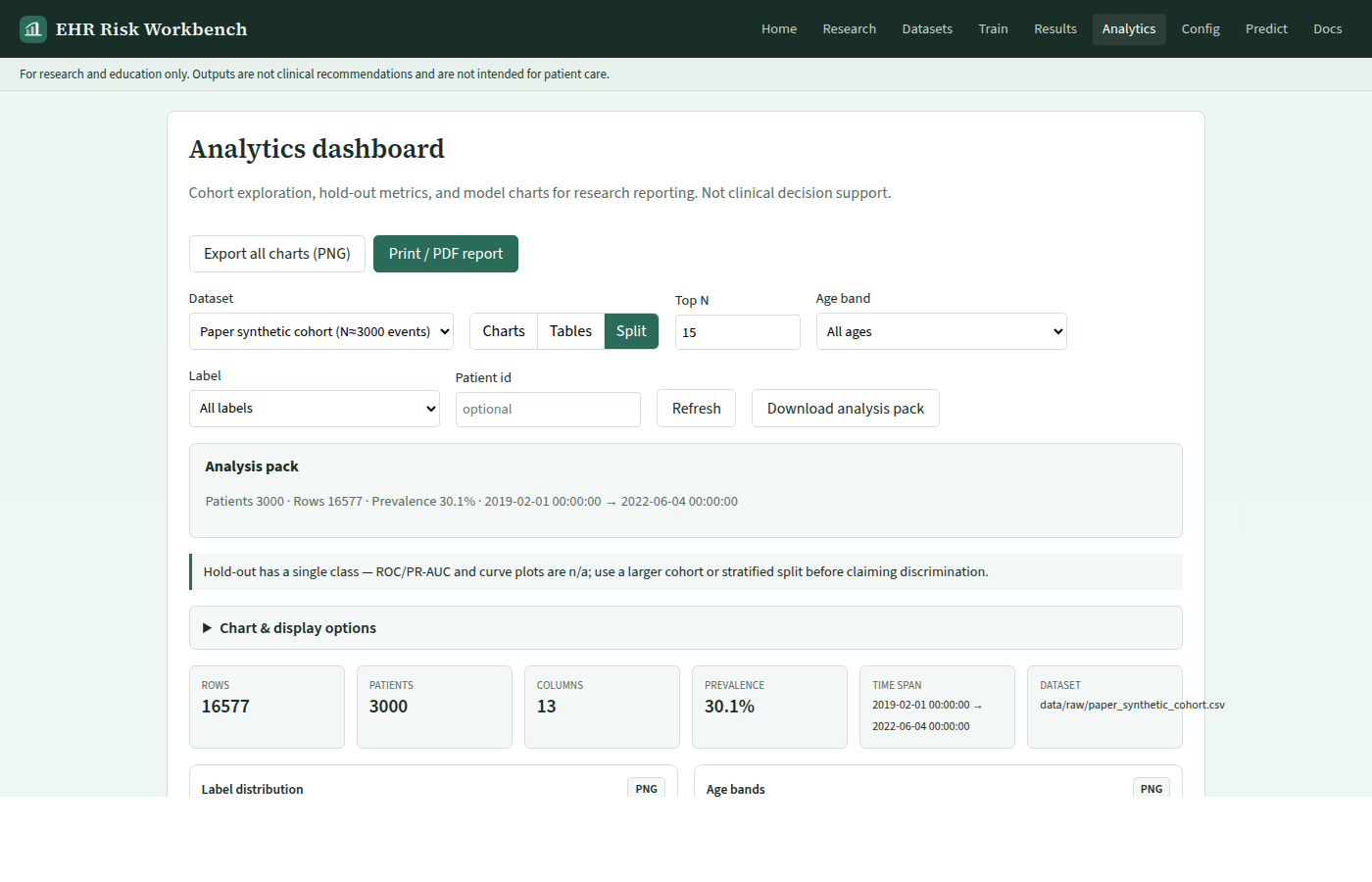
Next: Fine-tuning playbook · Architecture notes · Commands