 EHR Risk
 Windows
Too short → miss chronic signal. Too long → noise / leakage risk if index is wrong. Start with [7,30,180].
How to improve a research risk model with this framework. “Fine-tuning” here means systematic iteration of tabular models (features, splits, family, calibration) — not LLM fine-tuning.
| Knob | Where | Effect |
|---|---|---|
| Dataset / mapping | Datasets page, map-import API | Better inputs → better ceiling |
| Task YAML | tasks/*.yaml, Train presets | Horizon, windows, index, label column |
| Windows | Config / Train / windows_days | Short vs long history signal (w7d…) |
| Split | Patient vs temporal | How hold-out generalizes |
| Model family | logreg, RF, XGBoost, LightGBM | Bias/variance trade-off |
| Calibrate | checkbox / --calibrate | Better probability quality (Brier/ECE) |
| Compare set | Config compare_models | Pick best of several families |
| Promote | train promote / compare promote_best | Active model.pkl for Predict |
model.pkl · document limitationsIterate until metrics and audits look honest — then stop and write limits.
7, 30, 180), default model, compare models, optional calibrate.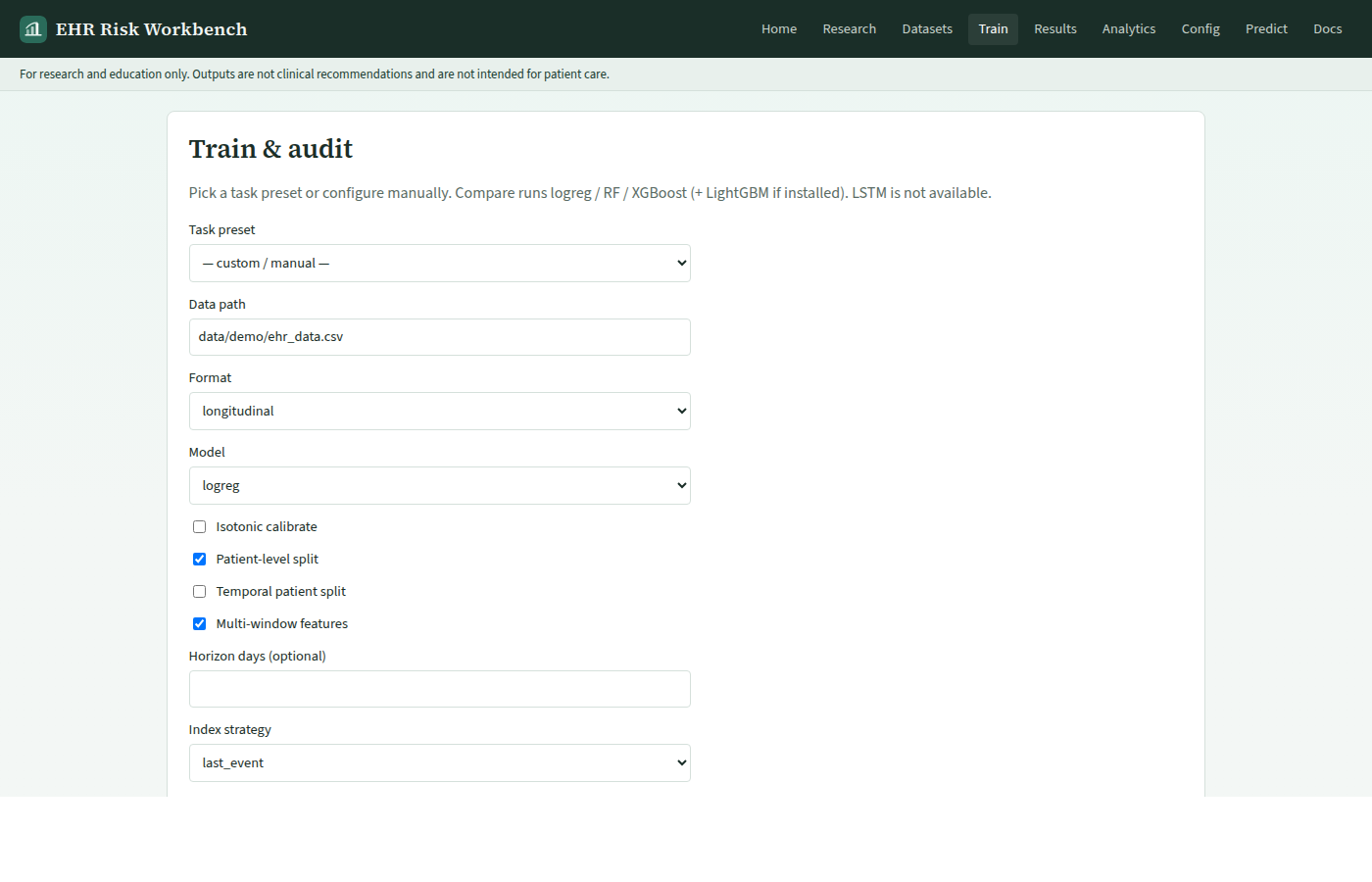
# Baseline
make train

# Stronger evaluation habits
make train-patient          # patient-grouped split
make train-temporal         # time-based hold-out

# Trust
make leak-audit
make shap

# Explicit CLI with calibration + multi-window
PYTHONPATH=. python -m training.train \
  --format longitudinal \
  --data data/raw/paper_synthetic_cohort.csv \
  --model xgboost \
  --windows 7,30,180 \
  --split-by-patient \
  --calibrate

# Multi-model compare via API (stack running)
curl -sS -X POST http://127.0.0.1:8000/v1/jobs/compare \
  -H 'Content-Type: application/json' \
  -d '{
    "data_path":"data/demo/ehr_data.csv",
    "data_format":"longitudinal",
    "split_by_patient":true,
    "windows_days":[7,30,180],
    "promote_best":true
  }' | jq .
Too short → miss chronic signal. Too long → noise / leakage risk if index is wrong. Start with [7,30,180].
Patient split avoids same-person leakage across folds. Temporal split tests future performance — use when timestamps are reliable.
LogReg = interpretable baseline. Trees / XGBoost = more capacity; always pair with SHAP + calibration checks.
Turn on when Brier/ECE are poor even if AUROC looks fine. Isotonic wraps the fitted estimator.
POST /v1/jobs/compareModels from Config compare_models or request bodyreports/model_comparison.jsonpromote_bestWinner → active model.pklreports/runs/<id>/Workbench: Train → Compare, or Results experiment browser → promote. CLI/API: promote_best: true.
| Check | Pass criterion |
|---|---|
| Health | No blockers (or documented force with persona rules) |
| Leakage audit | No temporal / patient-disjoint red flags you ignore |
| Discrimination | AUROC / PR-AUC reported with split type |
| Calibration | Brier / ECE inspected; calibrate if needed |
| Explain | SHAP drivers make clinical-research sense |
| Limits | You can state what the model is not (see LIMITATIONS.md) |
Diagrams of the wider system: Design & architecture diagrams.